Beanscale turns your menu into a QR code your customers scan and order from — at the table or the counter. Every order quietly builds the sales report, stock alert, and "what to make more of" picture that turns a hard day's work into a growing business — no diary or spare staff member needed.
No card needed · Cancel anytime · Ready in 10 minutes
This Week's Sales
₹42,850
A paper menu can't tell you what's selling — or update itself the day you run out of cold coffee.
Ordering stock by memory means buying too much some weeks, running out the next.
Staff spend hours writing down orders that a simple QR code could take for free.
One simple monthly plan replaces your paper menu, order pad, stock register, and end-of-week guesswork.
Pick a menu design that suits your shop, add your logo, and get a QR code with your own mark in the center — never a plain black-and-white square.
Customers scan, type their name and number, look at your menu, and place the order. Payment stays exactly where it is today — at your counter.
Track stock for each item and get a warning before something runs out — no more saying sorry to a customer at the counter.
See what's selling, what's not, your busiest hours, and how this week compares to last — no Excel sheet needed.
A simple forecast of next week's sales and how much of each item to keep ready, so buying stock stops being a guess.
Every Monday, get a simple email: what to restock, what to push more, and what needs fixing.
You already know your regulars, your rush hours, your best-sellers. Beanscale takes that same instinct and backs it with real numbers — so the next stock order, the next menu tweak, or the next small offer is a decision, not a guess.
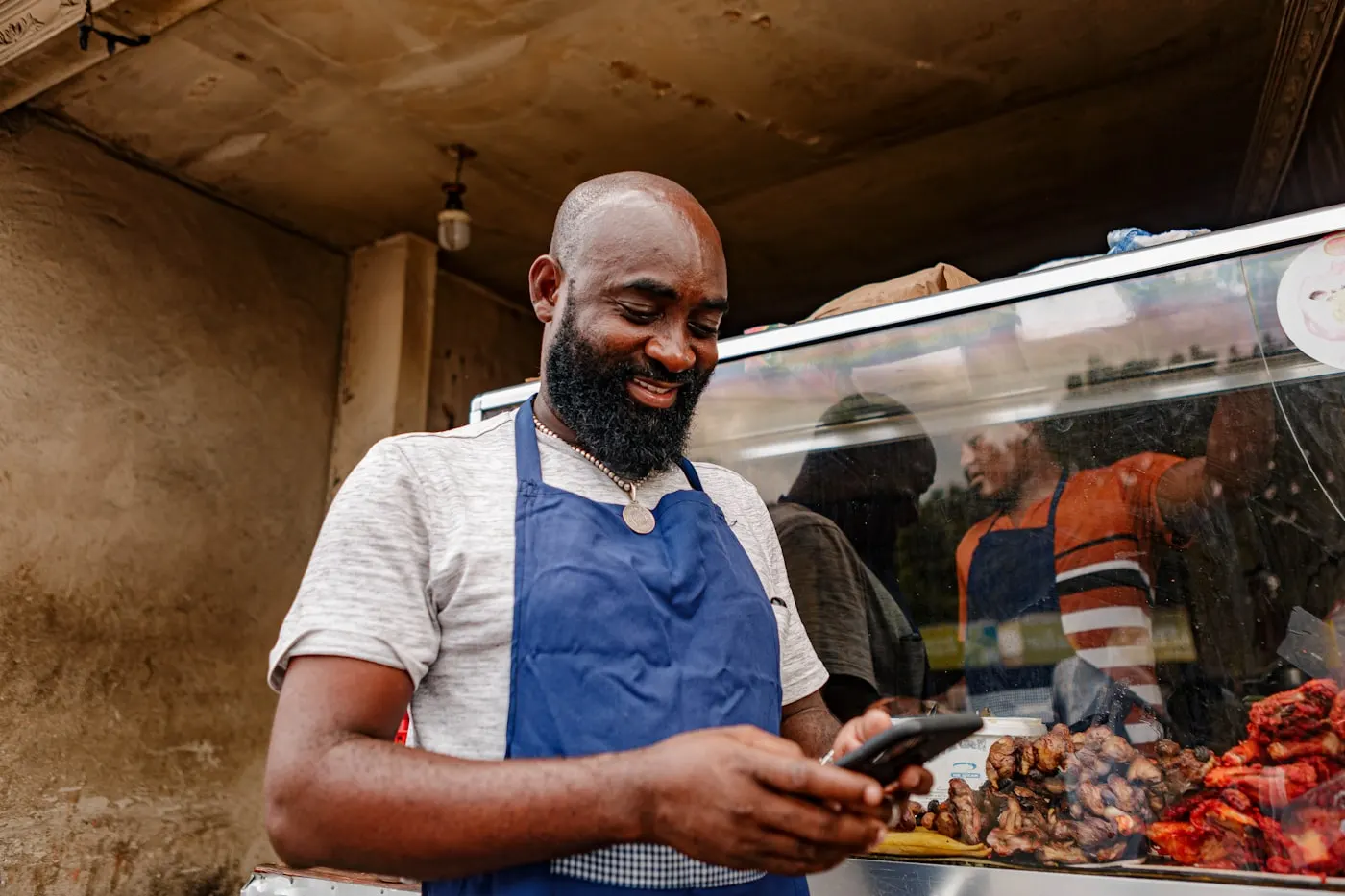
Eight ready-made menu designs, each with its own full personality — not just a colour swap. Change it anytime from your dashboard.
Menu
Velora Warmth
Warm terracotta coffeehouse, hand-poured feel
menu.
Pine & Fog
Moody minimal, forest dark, editorial type
MENU!
Corner Street Café
Grungy poster, bold graffiti energy
menu~
Cloud Café
Playful sketch, electric blue doodles
MENU
Muvin Transit
Black & white editorial newsprint, transit grotesk
Menu
Chel Bistro
Illustrated bistro, forest green & citrus
Menu
Those Guys
Blueprint linework, hand-lettered ink cafe zine
MENU
Bloop Pixel
Neon pixel Gen-Z, arcade energy
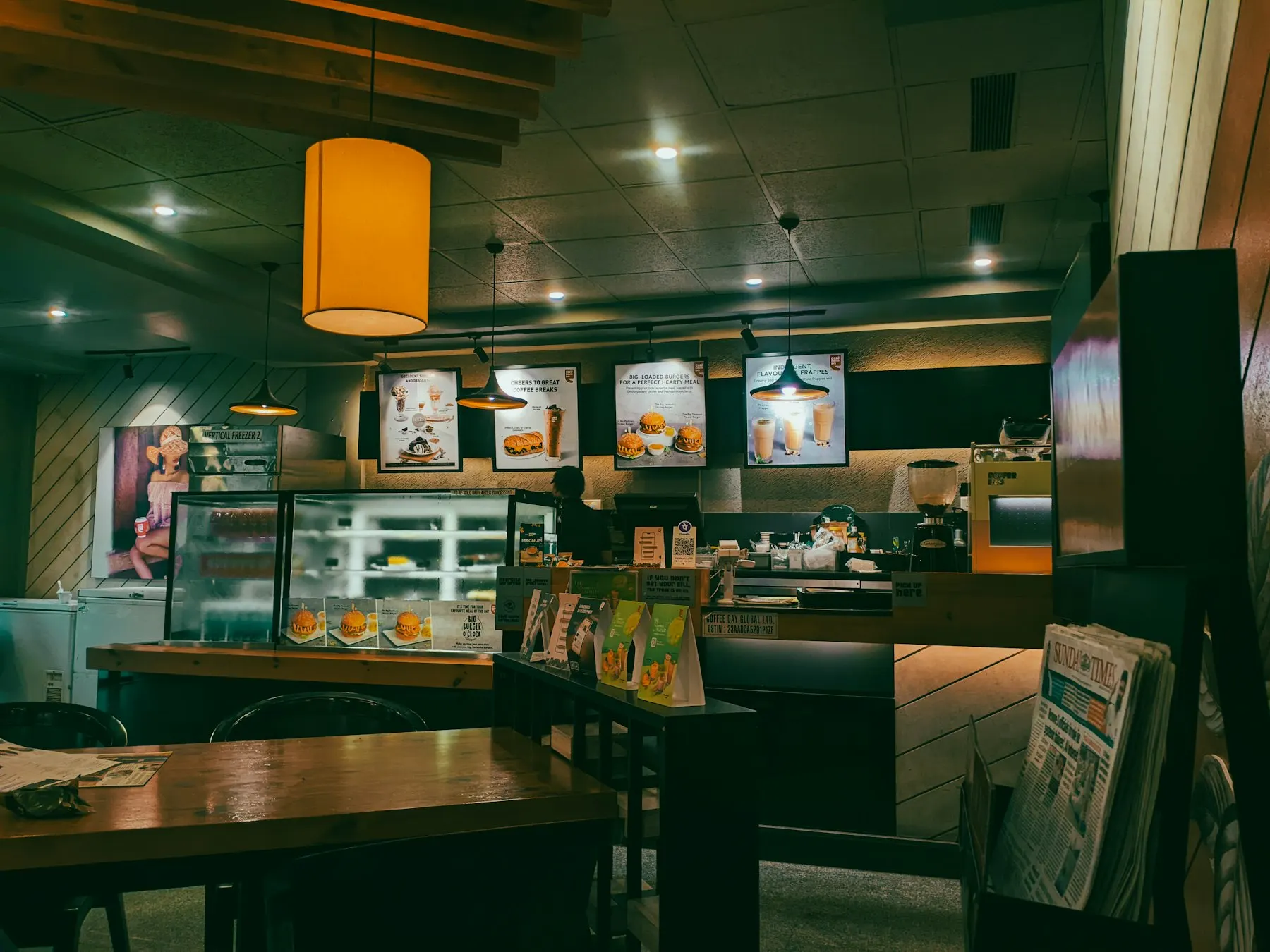
Every theme is a starting point, not the final word. Fine-tune it from your dashboard until it feels like your shop's own menu — not a template someone else is also using.
Colours are auto-checked for readability, so your menu always stays easy to read.
STEP 1
Choose the menu look that matches your shop's personality.
STEP 2
Add categories, items, prices and photos — or start from a sample menu.
STEP 3
Download a QR code with your own logo on it, ready for tables and the counter.
STEP 4
Every scan becomes an order, and every order sharpens your next report.
Set up your shop today and start collecting real sales data this week.
Start Free Trial